More in this categoryVideo Prompts
23 / 24
 #01Midnight Velvet Strut — Concrete Catwalk
 #02Sous-Chef Showdown — A Ladle Duel at High Noon
 #03Blue Domes at Blue Hour — Santorini Rooftop Reverie
 #04Midnight Chronograph — Noir Timepiece Reveal
 #05Ember Slash at the Bamboo Gate
 #06The Victorian Nursery — Candlelight Ghost Crawl
 #07Golden Hour Getaway — Marrakech Medina Rooftops
 #08Whispers of the Kelp Forest — An Underwater Documentary
 #09The Pancake Flippers — Tiny Chefs at Dawn
 #10Neon Requiem — Rain-Slick Megacity Descent
 #11Dawn Ridge Run — FPV Over the Dolomites
 #12Midnight Ramen Steam — Macro ASMR Short
 #13Crimson Finale — Windblown Runway Walk
 #14Flambé Fiasco — The Clumsy Chef Sets Dinner on Fire (Literally)
 #15Whitewash and Wine-Dark Sea — Oia Sunset Drift
 #16Molten Gold — Luxury Watch Macro Film
 #17Blossom Blade Duel — Sakura Samurai Short
 #18Dust on the Rocking Chair — Attic Slow-Push Dread
 #19Midnight Courier Run — Kowloon Rooftop Escape
 #20Fruit Carving ASMR — Hypnotic Satisfying Shorts
 #21Dragon Rider POV — Epic Fantasy Flight Formula
 #22Barber Hair Art — Viral Transformation Shorts Formula#23Gravity Ball Run — Oddly Satisfying AI Video Formula
 #2430-Second AI Rescue Shorts — Realistic Story Workflow
Video prompt
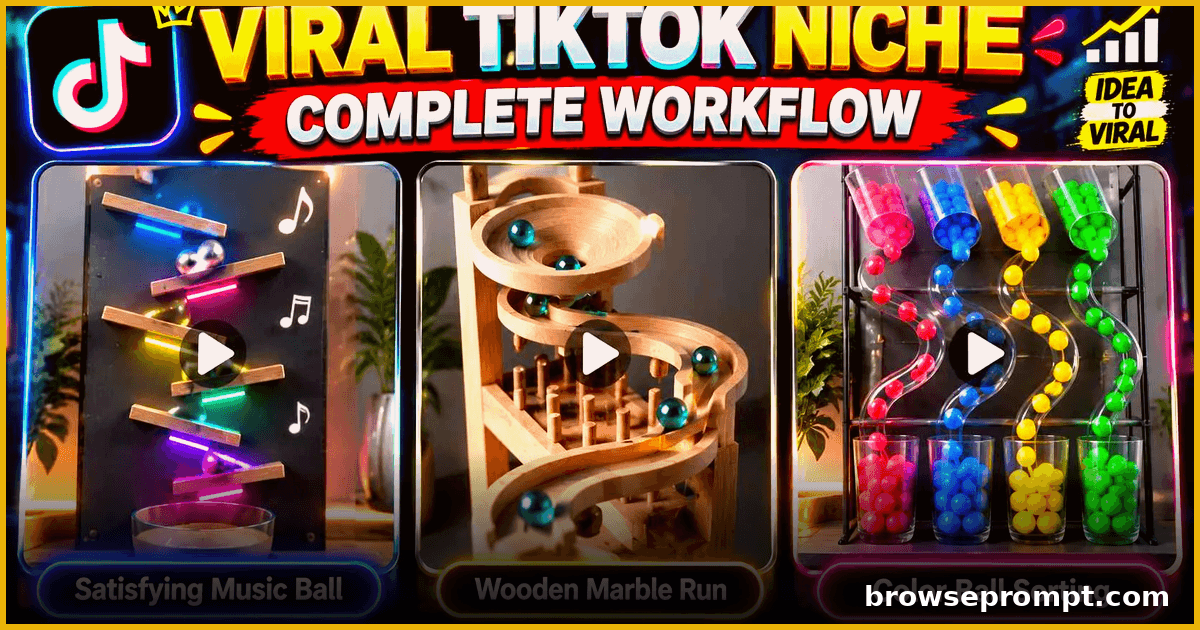
Gravity Ball Run — Oddly Satisfying AI Video Formula
One detailed prompt for hypnotic gravity ball run shorts — marble machine physics, satisfying chain reactions, and cinematic tracking shots.
Published
Complete Prompt
Text to videoRecommended: Veo 3Phase 1 ka sirf ek objective hai: User ko hamare **2 locked video concepts** ka clear visual preview dikhana aur us se select karwana ke woh kis style ki 30-second videos banana chahta hai. Is phase mein chatbot final video create nahi karega. --- # STEP 1 — CREATE CONCEPT PREVIEW SHEET Jab user **"PHASE 1"** submit kare, chatbot immediately ek professional **Concept Selection Preview Sheet** generate kare. Sheet mein exactly **2 separate visual concepts** hon: ### VIDEO A **Elastic / Bouncing Ball Musical Sync** ### VIDEO B **Physical Wooden Marble / Kinetic Run** Dono concepts ko ek hi comparison sheet mein clearly separate panels mein show kiya jaye. Labels clearly readable hon: **VIDEO A** aur **VIDEO B** User ko sirf first-look se dono concepts ka difference samajh aa jana chahiye. --- # VIDEO A — LOCKED VISUAL CONCEPT ## Elastic / Bouncing Ball Musical Sync Video A ke preview mein ek highly realistic physical setup dikhaya jaye jahan: * Ek ya multiple smooth balls gravity ke through drop/bounce kar rahi hon. * Ball different elastic surfaces, strings, bars, pads, membranes ya physical elements ko touch kare. * Har collision/touch ek intentional musical beat/note ko represent kare. * Setup mechanically believable lage. * Ball movement natural physics follow kare. * Elastic surfaces contact par naturally deform/rebound karein. * Composition satisfying aur visually clean ho. * Viewer ko image dekh kar hi feel aaye ke ball ke contacts se rhythm/tune create hogi. ### VISUAL STYLE Photorealistic., Real-world physical installation., Real materials., Natural shadows., Realistic ball reflections., Realistic gravity., Realistic elastic deformation., Clean background., No fantasy environment., No game UI., No mobile-game appearance., No cartoon look. No exaggerated CGI appearance. --- # VIDEO B — LOCKED VISUAL CONCEPT ## Physical Wooden Marble / Kinetic Run Video B ke preview mein ek highly realistic handmade wooden kinetic obstacle course dikhaya jaye. Course mein visually interesting elements ho sakte hain: * carved wooden tracks * serpentine/S-shaped grooves * wooden pegs * ramps * bridges * curved channels * narrow rails * zigzag tracks * gravity-driven transfer sections * collection/finish area Ek ya multiple glossy colored balls course ke different sections mein visible hon. Balls ka size course ke proportion ke according physically believable ho. Setup handmade premium wooden craftsmanship jaisa lage. Viewer ko instantly samajh aaye ke balls gravity ke through poore mechanical course mein travel karengi. ### VISUAL STYLE Photorealistic., Real wood texture., Real physical balls., Natural reflections., Realistic shadows., Real-world craftsmanship., No game UI., No cartoon., No fantasy machinery., No impossible geometry. No obvious AI-generated appearance. --- # GLOBAL REALISM LOCK Dono concepts ke liye following requirements mandatory hain: **Target Video Duration:** 30 Seconds **Camera Style:** Fixed-camera recording style. Final videos ko aisa feel hona chahiye jaise kisi real physical setup ko camera/tripod se record kiya gaya ho. Camera unnecessarily move nahi karega. No cinematic orbit. No random zoom. No artificial camera shake. No impossible camera movement. No sudden angle changes. No cuts unless later phase specifically requires them. --- # PHYSICS LOCK Physical realism sab se important requirement hai. Ball: * teleport nahi karegi * disappear/reappear nahi karegi * randomly duplicate nahi hogi * shape change nahi karegi * surface ke andar pass nahi karegi * impossible direction mein move nahi karegi * gravity ko violate nahi karegi Har collision ka logical result hona chahiye. Momentum aur speed naturally continue hon. Contact → reaction → rebound/roll → next contact ka sequence physically believable ho. --- # CONTINUITY / ANTI-GLITCH LOCK Final generated videos ke liye chatbot ko beginning se hi following restrictions preserve karni hain: NO GLITCHES. NO MORPHING. NO OBJECT TELEPORTATION. NO BALL DUPLICATION. NO RANDOM OBJECT APPEARANCE. NO DISAPPEARING OBJECTS. NO CHANGING TRACK GEOMETRY. NO FLICKERING MATERIALS. NO BACKGROUND TRANSFORMATION. NO CAMERA JUMPS. NO PHYSICS BREAKS. NO UNEXPLAINED SPEED CHANGES. NO FRAME-TO-FRAME STRUCTURAL CHANGES. Physical structure ko poori video mein identical rehna chahiye. --- # PREVIEW SHEET COMPOSITION Generate one clean comparison sheet. ### LEFT PANEL **VIDEO A** Show the strongest representative frame of: **Elastic / Bouncing Ball Musical Sync** ### RIGHT PANEL **VIDEO B** Show the strongest representative frame of: **Physical Wooden Marble / Kinetic Run** Both panels should have approximately equal visual importance. Do not mix the two concepts together. The preview is for **concept selection**, not final video production. --- # AFTER IMAGE GENERATION Concept sheet generate hone ke baad chatbot user se sirf yeh selection mange: **VIDEO A — Elastic / Bouncing Ball Musical Sync** **VIDEO B — Physical Wooden Marble / Kinetic Run** User ko reply karne dein: **VIDEO A** ya **VIDEO B** --- # WHEN USER SELECTS VIDEO A Chatbot selection ko current project ke liye lock kare: **SELECTED CONCEPT: VIDEO A — ELASTIC / BOUNCING BALL MUSICAL SYNC** Uske baad chatbot koi video generate na kare. Sirf user ko kahe: **"VIDEO A locked. Ab PHASE 2 submit karein."** --- # WHEN USER SELECTS VIDEO B Chatbot selection ko current project ke liye lock kare: **SELECTED CONCEPT: VIDEO B — PHYSICAL WOODEN MARBLE / KINETIC RUN** Uske baad chatbot koi video generate na kare. Sirf user ko kahe: **"VIDEO B locked. Ab PHASE 2 submit karein."** --- # IMPORTANT PHASE BOUNDARY PHASE 1 mein chatbot: * final video idea develop nahi karega * 30-second scene breakdown nahi banayega * video-generation prompt nahi likhega * music/tune select nahi karega * detailed track design finalize nahi karega * unnecessary questions nahi puchega * PHASE 2 automatically start nahi karega PHASE 1 ka sole output hai: **1 Concept Preview Sheet → VIDEO A vs VIDEO B → User Selection → Selected Concept Lock → Request PHASE 2** Chatbot hamesha user ke explicit **VIDEO A** ya **VIDEO B** selection ka wait karega.
Related prompts
 Video Prompts
30-Second AI Rescue Shorts — Realistic Story Workflow
A two-part workflow for building ultra-realistic 30-second AI rescue story shorts — scenario builder plus a cinematic generation prompt, optimized for Seedance.
- Kling AI
- Seedance 2.5
- Veo 3
By Aarav Mehta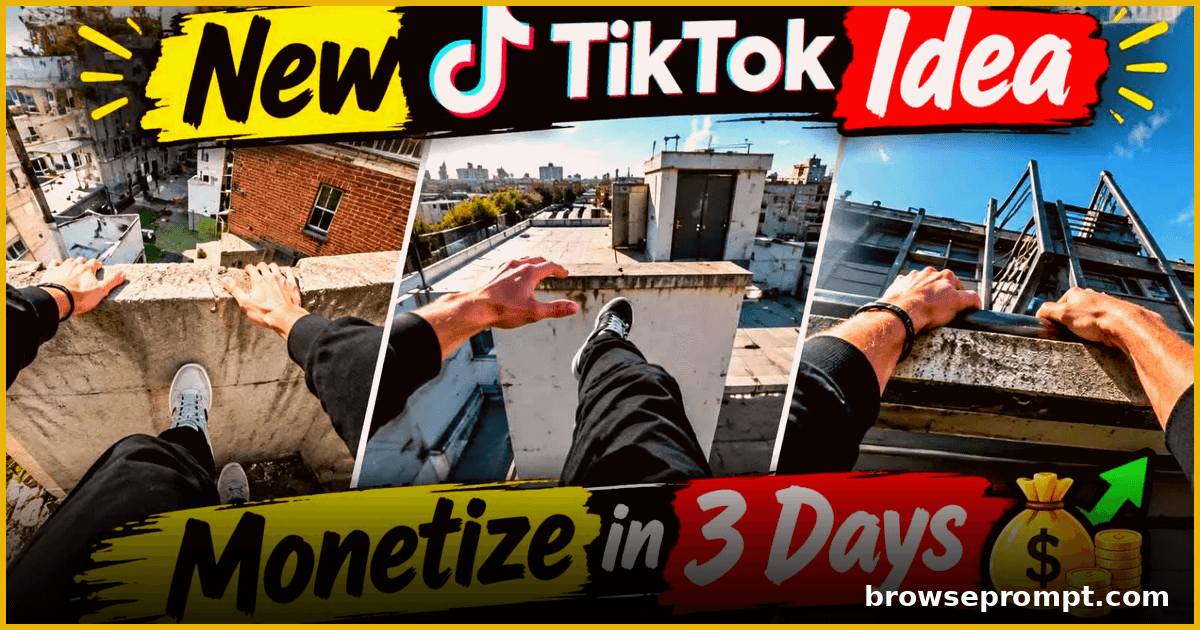 Video Prompts
Skyline Runner: 30-Second Rooftop Parkour POV
Create heart-pounding 30-second rooftop parkour POV videos — death-defying jumps between skyscrapers with cinematic first-person action.
- Kling AI
- Seedance 2.5
- Veo 3
By Rahul Verma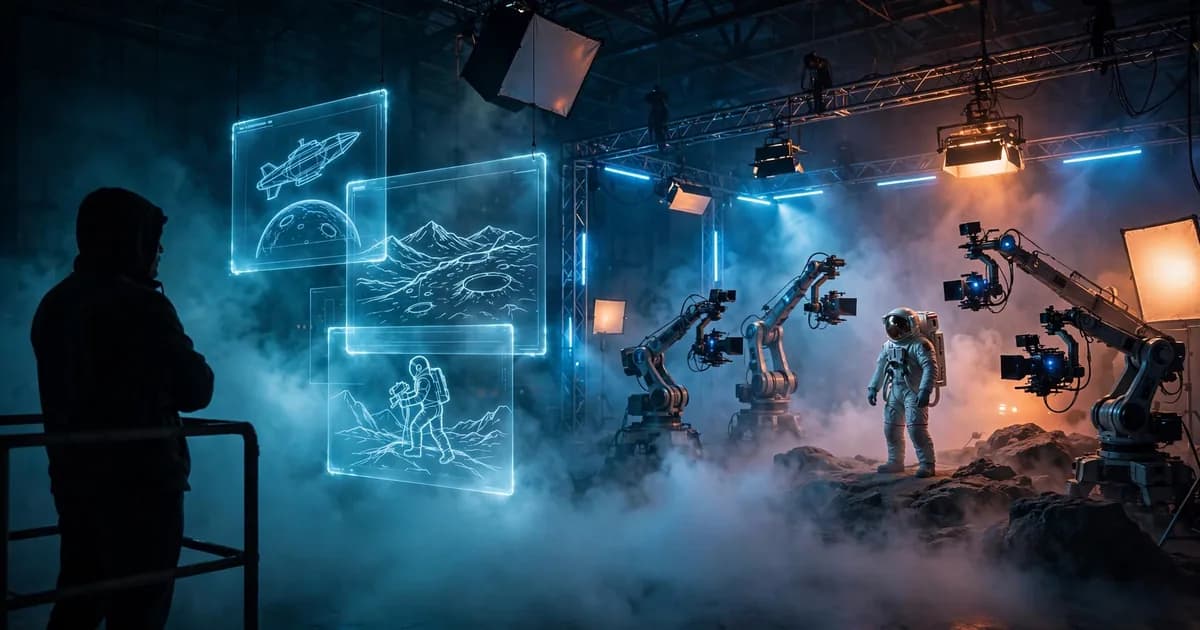 Video Prompts2 phases
Sci-Fi Short Film Pipeline — From Idea to Final Cut
A complete two-phase AI workflow to plan, shoot and assemble a 2-minute sci-fi short film using generative video.
- Runway
- Sora
- Veo 3
By Sofia Carter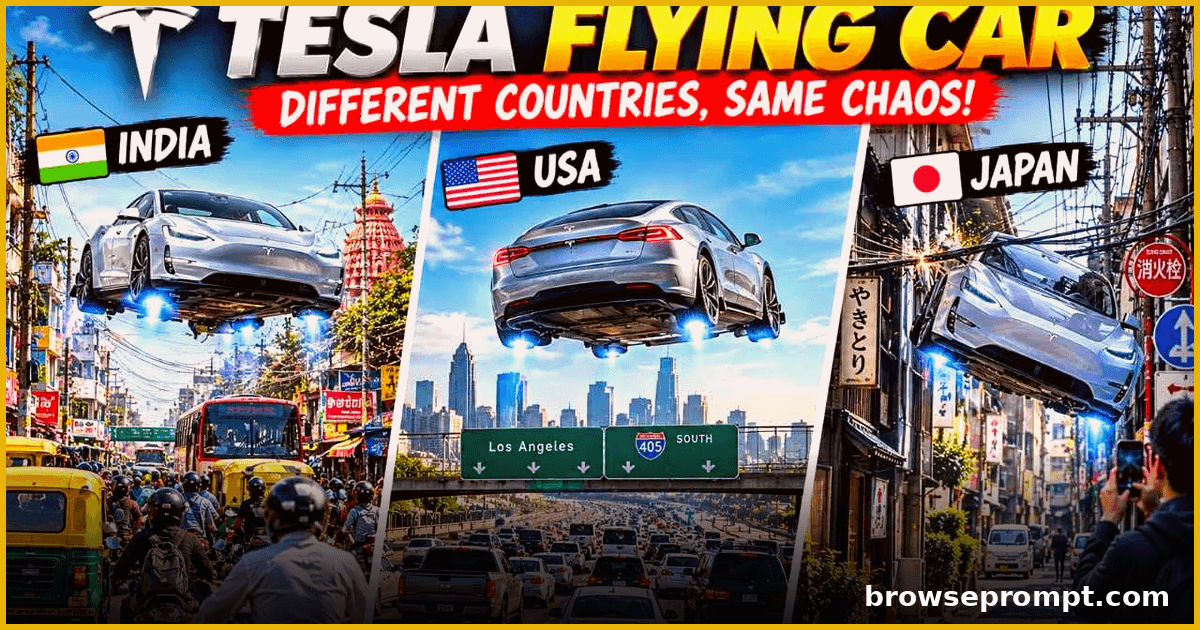 Video Prompts
Flying Supercar City Chaos — Comedy Shorts Pack
Generate hilarious 15-second shorts of a futuristic flying supercar causing playful chaos across world cities, with country-specific gags and cinematic camera work.
- Hailuo AI
- Kling AI
- Seedance 2.5
By Aarav Mehta